ShelfUp
A shipped SaaS product for creating branded mobile storefronts, organizing catalogs and sharing them through QR codes.
Role
Founder & Full Stack Developer
Status
Archived
Period
2024-2026
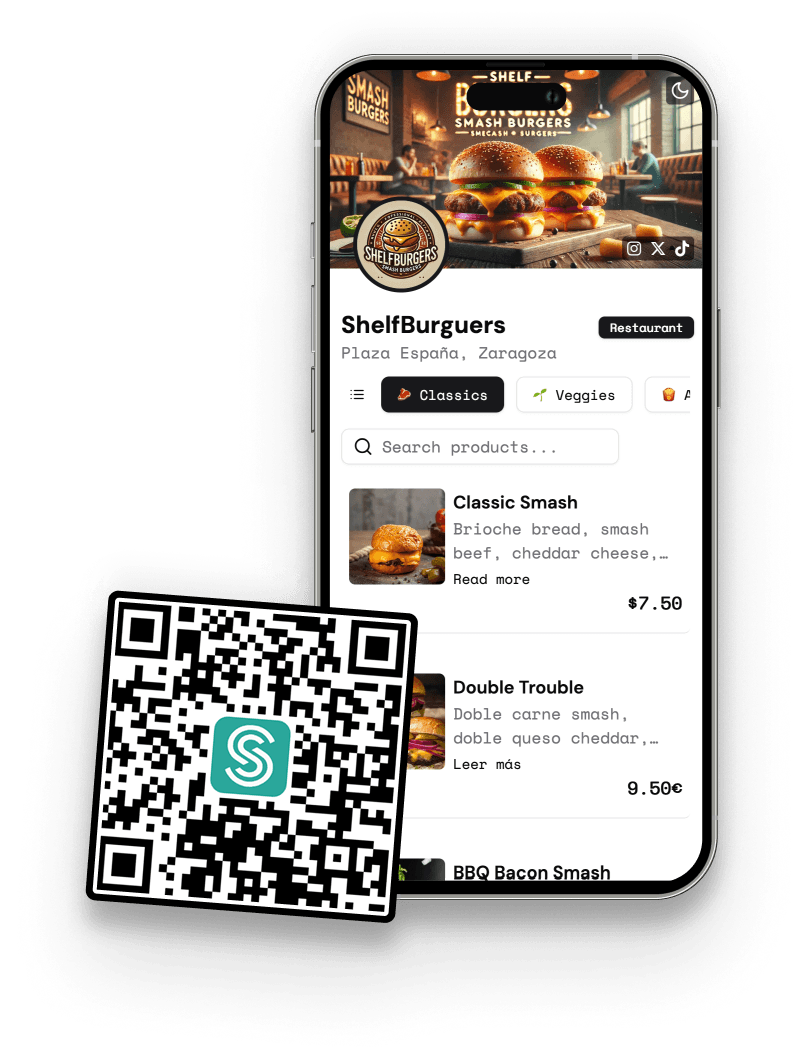
The product
ShelfUp turns a common offline business need into a self-serve product: set up a branded store, publish a QR code and let customers browse the catalog on their phone.
Problem
Small businesses need a mobile-friendly menu or catalog that customers can open instantly without paying for custom development.
Solution
ShelfUp lets owners create a store, customize colors, banner, avatar and typography, organize products by category, add photos, prices, descriptions and allergens, and generate a branded QR code.
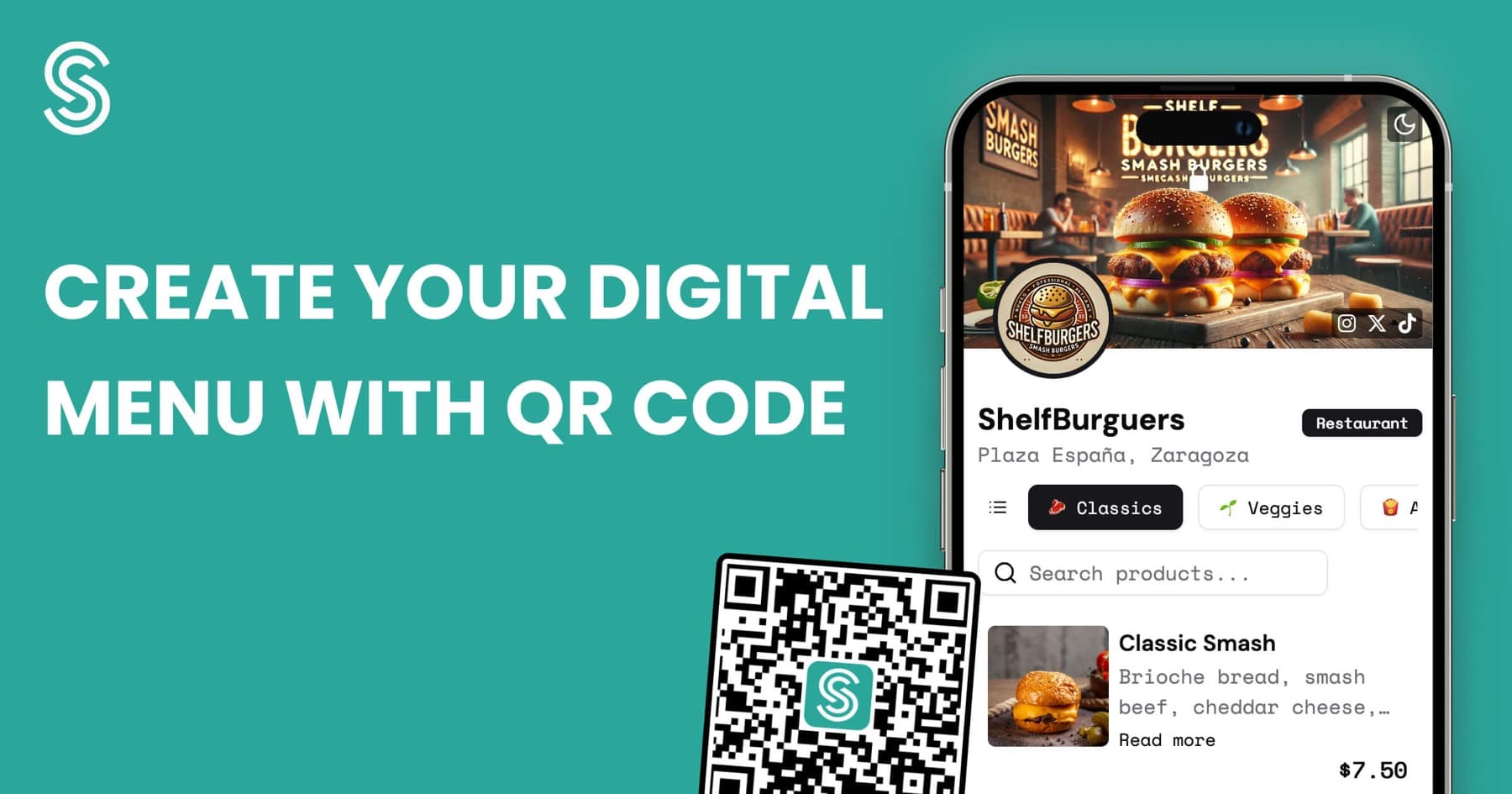
Product in context
Launch assets preserved from the original product repositories.
Core capabilities
What reached the implemented product, based on the archived codebase.
- Created an end-to-end flow from store setup and catalog editing to a public mobile storefront.
- Built ordered category and product management with images, pricing, descriptions and allergen data.
- Added bilingual English and Spanish interfaces, structured metadata and generated sitemaps.
- Implemented custom themes, QR generation and Pro-only QR logo branding.
Technical decisions
- Used the Pages Router and an internal API layer so browser components did not need privileged database access.
- Modeled store presentation separately from ordered categories and products, allowing the public storefront and editor to share one serialized shape.
- Optimized uploaded images in the browser before Storage upload and used stable store-specific object paths.
- Kept translations in versioned locale files and generated public SEO metadata from store content.
Architecture
A compact view of how the shipped system was divided.
Next.js Pages Router served the landing page, authenticated dashboard and dynamic public store routes.
Pages API routes formed a BFF for profile, store, category, product and billing operations.
Supabase provided Auth, PostgreSQL and Storage; Stripe supplied Checkout, subscription state and the billing portal.
React Context coordinated the store editor while server serializers kept database naming out of the UI model.
How I built it
My contribution
- Product direction, information architecture and responsive interface.
- Store editor, public storefront, QR workflow and media upload experience.
- Authentication, API routes, Supabase integration, Stripe billing and deployment configuration.
- English/Spanish localization and the SEO/structured-data surface.
Technical challenges
- Keeping nested category and product ordering consistent across drag-and-drop UI, API validation and database updates.
- Rendering a customizable public storefront without letting theme options weaken mobile readability.
- Managing image optimization, upload progress and four different asset roles across account and store buckets.
Outcome
The product was archived after it did not achieve sufficient adoption. The implementation is preserved as a record of the product, frontend and infrastructure work.
What I learned
Technical and product lessons carried into later work.
- A complete feature set is not a substitute for a narrow acquisition loop and repeated customer use.
- Brand customization needs constrained defaults so every generated storefront remains usable.
- Export and shutdown paths should be designed alongside production infrastructure, not added only at the end.